

Table of Contents
When it comes to hosting your WordPress site, you need a provider that offers exceptional performance and reliable support. With so many hosting options available, it can be challenging to determine which one is right for you.
Kinsta is a rapidly growing, independent hosting company that has established itself as a premium managed WordPress hosting provider. By leveraging Google Cloud Platform, Kinsta delivers outstanding performance and reliability for WordPress websites.
In this article, we’ll explore the key features that make Kinsta stand out from other hosts and why it’s become a preferred choice for WordPress professionals.
Key Takeaways
- Kinsta’s exclusive focus on managed WordPress hosting
- Google Cloud-driven performance and reliability
- Exceptional customer support
- Specialized hosting services for businesses of all sizes
- Optimized infrastructure for WordPress sites
Why Choosing the Right WordPress Host Matters
Your WordPress hosting choice is foundational to your website’s overall health and efficiency. It’s not just about providing space on a server; it’s about ensuring your site runs smoothly, securely, and at optimal speed.
Many website owners overlook the importance of quality hosting, focusing instead on design and content. However, poor hosting can lead to slow page loads, frequent downtime, and security vulnerabilities, damaging your reputation and negatively impacting your search engine rankings.
The market is flooded with hosting options claiming to be “WordPress optimized.” However, the right WordPress host should offer more than just server space. It should provide WordPress-specific optimizations, robust security measures, and expert support.
- Your WordPress hosting choice directly impacts your site’s performance, security, and user experience.
- For business websites and e-commerce stores, investing in premium WordPress hosting can deliver significant returns.
- The right host should offer WordPress-specific optimizations and expert support.
By choosing the right hosting for your WordPress site, you’re investing in your website’s future, ensuring it remains fast, secure, and reliable for your users.
The Evolution of Kinsta Hosting

With a deep understanding of WordPress challenges, Mark Gavalda founded Kinsta in 2013. As a WordPress developer and sysadmin, Gavalda was driven by a passion to improve WordPress hosting. Kinsta was built from the ground up to provide a superior managed WordPress hosting experience.
Unlike many hosting companies that started with shared hosting and gradually added WordPress services, Kinsta focused exclusively on WordPress. This focus allowed Kinsta to refine its technology stack and service to meet the specific needs of WordPress users.
In 2014, Kinsta made a strategic decision to power its infrastructure with Google Cloud Platform, becoming one of the first managed WordPress hosts to fully adopt cloud technology. This move gave Kinsta a significant advantage in terms of performance, scalability, and global reach.
Today, Kinsta is a remote-first company with over 300 employees across six continents. The team is dedicated to providing top-notch support to its customers, with services available in 7 languages. Kinsta serves over 25,000 companies worldwide, including major brands like MariaDB, TripAdvisor, and UNICEF.
Kinsta’s commitment to innovation and customer satisfaction has established it as a leader in the WordPress hosting space. By continuously refining its technology and support systems based on customer feedback and industry trends, Kinsta ensures that its users receive the best possible hosting experience.
Google Cloud Platform: The Foundation of Kinsta’s Performance

Kinsta’s partnership with Google Cloud Platform revolutionizes WordPress hosting by providing unparalleled performance and reliability. By being the first managed WordPress host powered exclusively by Google Cloud, Kinsta leverages one of the most advanced cloud infrastructures in the world—the same technology that powers Google’s own services.
Kinsta’s infrastructure features the latest C2 compute-optimized VMs powered by 2nd Gen Intel® Xeon® Platinum processors, LXD containers, and one of the most extensive networks on the planet. This setup ensures that each WordPress site is completely isolated in a container with dedicated resources (Nginx, PHP, MySQL), eliminating the “noisy neighbor” problem common with shared hosting.
The benefits of Kinsta’s Google Cloud Platform integration are multifaceted:
- Kinsta utilizes Google Cloud’s C2 compute-optimized virtual machines, delivering superior processing power for WordPress sites.
- Each WordPress site is isolated in its own LXD container, ensuring consistent performance regardless of other customers’ usage.
- Kinsta takes advantage of Google Cloud Platform’s premium tier network, ensuring low network latency and connection speeds to your WordPress sites.
- The Google Cloud infrastructure provides built-in redundancy and reliability, automatically moving your site to functioning hardware with minimal disruption in case of hardware failure.
- Google Cloud’s auto-scaling capabilities allow Kinsta to handle traffic spikes effectively, maintaining performance during high-traffic periods.
- The partnership gives Kinsta access to enterprise-grade security measures, including Google’s advanced network firewall, DDoS protection, and regular security audits.
By leveraging Google Cloud Platform, Kinsta ensures that your WordPress site benefits from a robust infrastructure designed for high performance and security. This makes Kinsta an ideal choice for businesses and individuals seeking reliable and fast WordPress hosting solutions.
Global Network of Data Centers
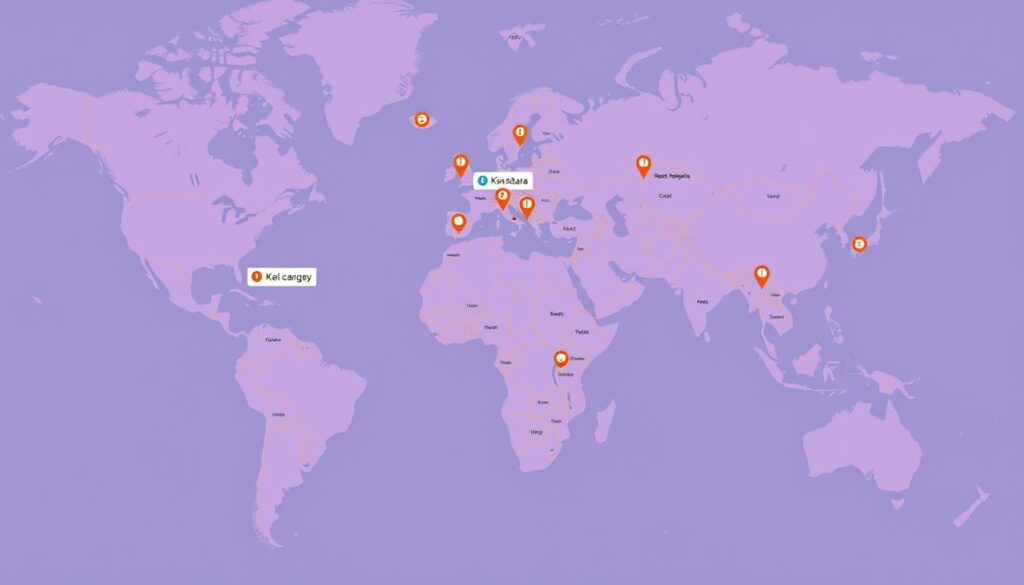
With Kinsta, you gain access to a vast network of data centers across the globe, ensuring your WordPress sites load quickly for visitors everywhere. Kinsta offers access to 35+ strategically located Google Cloud data centers across six continents, allowing you to host your WordPress sites closer to your target audience for faster loading times.
Unlike many hosting providers that assign you to a single data center, Kinsta lets you choose a different data center location for each individual WordPress site in your account, providing maximum flexibility for international businesses. This flexibility, combined with Google Cloud’s cloud platform, ensures that your website is always performing at its best, regardless of where your visitors are coming from.
Hosting your site closer to your visitors significantly reduces network latency and Time To First Byte (TTFB), resulting in faster page loads and a better user experience that can improve engagement and conversion rates. Kinsta’s global network is complemented by Cloudflare’s Enterprise CDN with 275+ points of presence worldwide, caching your content at edge locations to further reduce delivery times for visitors anywhere in the globe.
The extensive global network makes Kinsta an ideal choice for businesses targeting international markets, as you can strategically position your website infrastructure to best serve customers in different regions. All data centers in Kinsta’s network benefit from Google Cloud‘s commitment to carbon neutrality, as Google matches 100% of the energy consumed by its global operations with renewable energy—making Kinsta an environmentally responsible hosting choice.
The global infrastructure ensures consistent performance regardless of traffic sources, with automatic routing optimizations that select the fastest path for data to travel between your site and visitors. This means that whether you’re experiencing a surge in traffic or serving a global audience, Kinsta’s infrastructure is designed to deliver high-quality performance.
Top 10 Features That Make Kinsta Stand Out From Other Hosts
With its cutting-edge technology and user-centric features, Kinsta stands out in the hosting landscape. Kinsta is a solid, straightforward, but still affordable option for eCommerce/membership websites that can pay a premium to have things “just work” with no troubleshooting.
Kinsta has revolutionized WordPress hosting by combining innovative technology with user-friendly features that address the most common pain points website owners face. The following ten features represent Kinsta’s most significant advantages over competing hosts, showcasing why it has become the preferred choice for serious WordPress website owners, developers, and agencies.
- Kinsta’s infrastructure and feature set are specifically designed for WordPress, resulting in a more cohesive and effective hosting solution.
- These standout features span across performance optimization, security implementation, user experience, developer tools, and customer support.
Whether you’re running a high-traffic blog, e-commerce store, membership site, or enterprise-level website, Kinsta’s features work together to provide a hosting environment that maximizes WordPress performance and minimizes maintenance headaches.
| Feature | Description | Benefit |
|---|---|---|
| Cutting-edge technology | Kinsta’s infrastructure is built with the latest technology. | Improved performance and reliability. |
| User-centric features | Features designed to address common pain points. | Enhanced user experience and reduced maintenance. |
| Expert support | 24/7 support from WordPress experts. | Quick resolution of issues and expert guidance. |

Feature 1: State-of-the-Art Architecture and Technology Stack
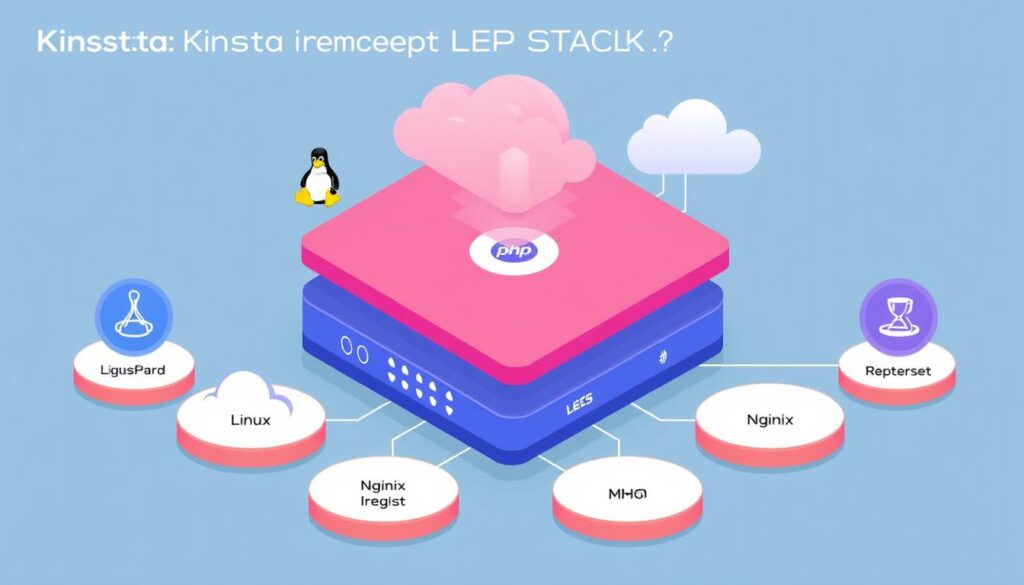
Kinsta’s state-of-the-art architecture is the backbone of its high-performance WordPress hosting. By leveraging a modern LEMP (Linux, Nginx, MariaDB, PHP) stack, Kinsta provides a superior hosting experience that is optimized for WordPress.
The technology stack employed by Kinsta includes Nginx as the web server, which is renowned for its ability to handle high traffic volumes efficiently and deliver static content significantly faster than traditional Apache servers. Additionally, Kinsta utilizes Ubuntu with a long-term supported Linux kernel, ensuring stability and security through regular updates and patches.
Kinsta stays at the forefront of technology by maintaining the latest PHP versions (8.1, 8.2, 8.3, and 8.4), available for selection in the MyKinsta dashboard. This allows you to benefit from performance improvements that can make your site up to three times faster than older PHP versions. For database management, Kinsta uses MariaDB, an enhanced and faster drop-in replacement for MySQL, providing better performance, reliability, and security for WordPress sites.
The infrastructure is further enhanced by Kinsta’s implementation of HTTP/3 support by default, reducing connection establishment time and improving performance, especially for mobile users on fluctuating networks. Moreover, the entire technology stack is containerized using LXD, isolating each WordPress site in its own environment with dedicated resources, thereby eliminating performance issues commonly found in shared hosting environments.
By combining these cutting-edge technologies, Kinsta ensures that your WordPress site is hosted on a robust and scalable infrastructure, capable of handling high traffic and delivering a superior user experience.
Feature 2: Unparalleled Speed and Performance Optimization
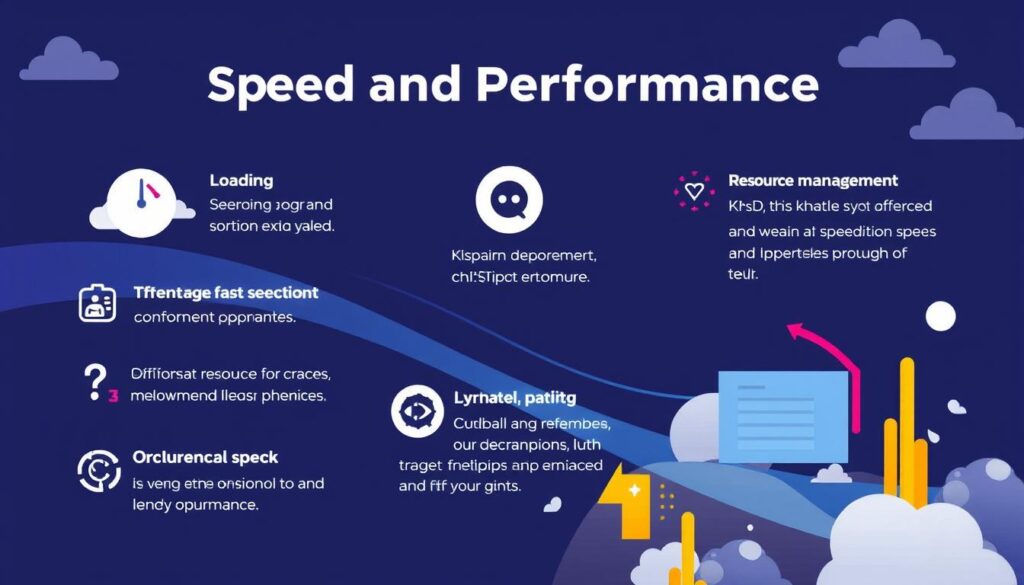
Experience the power of Kinsta’s optimized hosting, designed to boost your WordPress site’s speed and overall performance. Kinsta’s infrastructure is built to deliver exceptional user experiences through advanced caching mechanisms and cutting-edge technology.
Kinsta implements server-level full-page caching automatically for all WordPress sites. This eliminates the need to install, configure, and troubleshoot caching plugins that often cause conflicts and performance issues. The built-in caching system stores fully rendered HTML pages, dramatically reducing database queries and PHP execution time, resulting in significantly faster page load speeds for repeat visitors.
Kinsta’s integration with Cloudflare Enterprise provides edge caching capabilities that store your entire site (including HTML) at 275+ points of presence worldwide. This brings your content closer to visitors regardless of their location. Unlike many hosts that charge extra for CDN services, Kinsta includes Cloudflare’s Enterprise CDN with all plans, automatically optimizing and delivering images, CSS, JavaScript, and other static assets from the closest edge server to each visitor.
For database-intensive sites like WooCommerce stores or membership sites, Kinsta offers optional Redis object caching that stores database query results in memory. This significantly reduces load times for logged-in users and dynamic content. Additionally, Kinsta’s infrastructure utilizes HTTP/3 and QUIC protocols by default, reducing connection establishment time and improving performance over unstable connections like mobile networks.
Furthermore, Brotli compression is implemented across all sites, providing more efficient compression than gzip and resulting in faster page loads without any configuration required from site owners. With these features combined, Kinsta ensures your site achieves unparalleled speed and performance optimization.
Feature 3: Comprehensive Security Measures

With Kinsta, you can rest assured that your site is secured with top-notch security features that protect against malware and other online threats. Kinsta implements a multi-layered security approach that begins with Google Cloud Platform’s enterprise-grade firewall and is enhanced by Cloudflare Enterprise integration, providing DDoS protection that would cost $200/month if purchased separately.
Key Security Features:
- Kinsta provides free SSL certificates via Cloudflare with automatic renewal and wildcard support for all your subdomains.
- Kinsta’s security team actively monitors for malware and suspicious activities, and if your site is ever infected while hosted with them, they’ll clean it for free.
- The platform enforces strict access controls, allowing only secure SFTP/SSH connections and implementing two-factor authentication for all MyKinsta dashboard logins.
- Kinsta provides unique Cloudflare IP addresses for each site, ensuring your website doesn’t share IP addresses with potentially problematic sites.
- The security system includes automatic plugin vulnerability detection powered by WPScan, alerting you immediately when vulnerabilities are discovered.
Kinsta maintains compliance with major security standards, including SOC2, GDPR, and CCPA, while implementing encryption at rest for all customer data and regular security audits of their infrastructure. This comprehensive approach to security gives you the peace of mind to focus on growing your online presence.
Feature 4: The Intuitive MyKinsta Dashboard
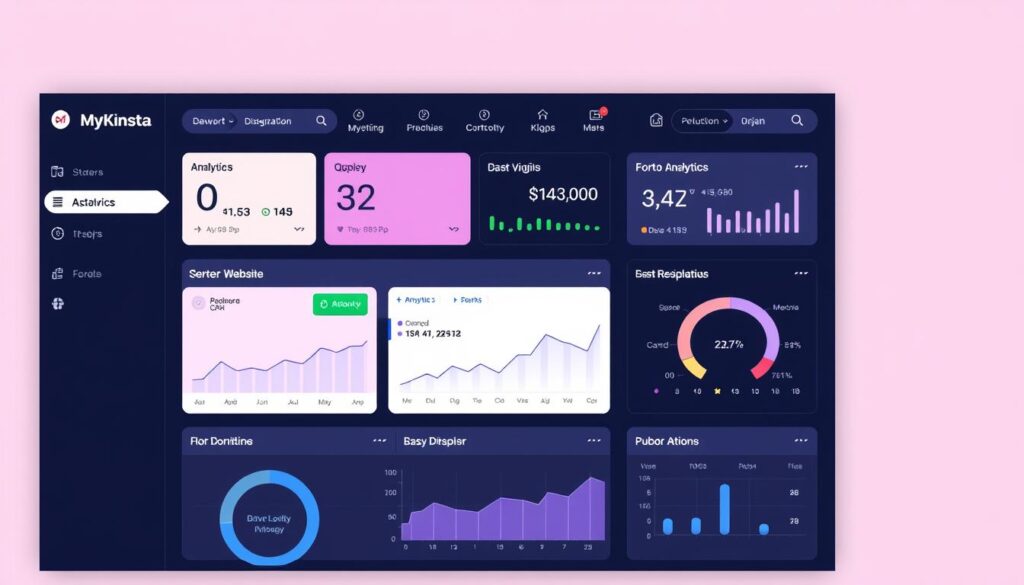
Kinsta’s custom-built MyKinsta dashboard revolutionizes the way you manage your WordPress sites. This modern, intuitive control panel replaces the outdated cPanel interface, making WordPress site management significantly easier.
The MyKinsta dashboard provides a comprehensive overview of all your sites at a glance, displaying critical metrics like resource usage, data transfer, visitor statistics, and recent activity without overwhelming you with technical details.
Unlike generic control panels, MyKinsta is specifically designed for WordPress management, offering one-click access to common WordPress tasks like clearing cache, managing backups, and updating PHP versions.
The dashboard includes powerful developer tools that typically require separate access or plugins, such as database search and replace functionality, server-level redirects, IP blocking, and SSL certificate management.
MyKinsta is available in 10 different languages and features a responsive design that works seamlessly across desktop and mobile devices, allowing you to manage your WordPress site from anywhere.
The user interface includes a sophisticated role-based access system that allows you to grant team members, clients, or developers specific permissions without sharing your main account credentials.
The analytics section of the dashboard provides detailed insights into your site’s performance, visitor geography, and resource usage, helping you make informed decisions about optimizations and plan upgrades for your WordPress hosting.
Feature 5: Developer-Friendly Tools and Workflows

Kinsta’s commitment to developer-friendly tools is evident in its comprehensive feature set. You get access to a range of tools that simplify your workflow, making it an ideal choice for web development projects.
Kinsta provides developers with direct SSH access to their WordPress environments, allowing for command-line operations that streamline development workflows and enable advanced site management techniques. The platform includes full support for WP-CLI, giving developers the ability to manage WordPress installations, update plugins, configure multisite installations, and perform database operations without using the WordPress admin.
The platform supports multiple PHP versions (from 7.4 to 8.4) that can be switched with a single click, allowing developers to test compatibility or leverage performance improvements in newer PHP versions without complex server configurations. Kinsta’s Git integration allows developers to deploy code directly from repositories, maintaining version control and enabling collaborative development workflows that are essential for team projects.
Kinsta’s DevKinsta tool provides a local development environment that perfectly matches the production environment, allowing developers to build and test sites locally before deploying them to staging or production. Unlike many hosts that restrict configurations, Kinsta supports non-traditional WordPress setups, including headless WordPress implementations and reverse-proxy configurations.
The platform includes built-in database management tools, including phpMyAdmin access and database search and replace functionality, eliminating the need for additional plugins that can introduce security risks. With Kinsta, you can manage your sites efficiently, leveraging the power of staging environments to test and refine your site before going live.
Feature 6: One-Click Staging and Cloning Environments

Kinsta’s one-click staging environment is a game-changer for developers and site owners alike. It allows you to instantly create a development site and test plugins, WordPress updates, code, and more without affecting your live site.
Two Staging Environment Options: Kinsta offers two staging environment options to suit different needs. The standard environment is completely free and ideal for general testing or development when you don’t need resources equal to your live site.
The premium environment matches the resources of your live site, making it perfect for eCommerce or other resource-intensive site testing or development. This costs $20/month, and you can add up to 5 premium staging environments to simplify your workflows.
Granular Control and Flexibility: Kinsta’s staging system provides granular control over what gets pushed to production. You can selectively push only the database, only files, or both, giving you precise control over your deployment process.
Additionally, Kinsta allows you to restore backups directly to staging environments, enabling you to troubleshoot issues from a previous site state without affecting your live site. This feature is particularly useful for agencies and developers managing multiple sites.
Feature 7: Comprehensive Backup Solutions
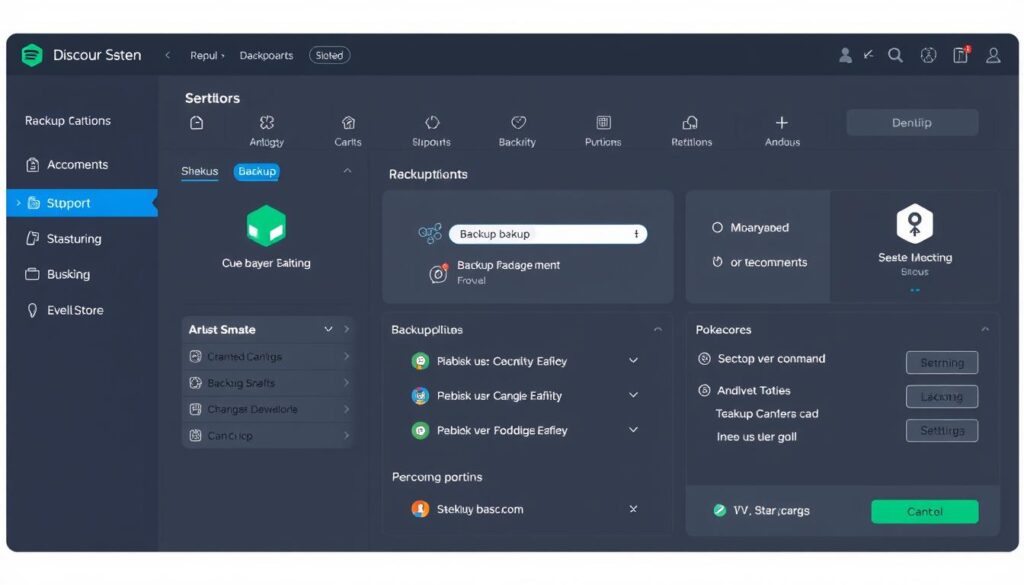
Kinsta’s comprehensive backup solutions are designed to meet the needs of various WordPress sites. You never have to worry about losing your data with Kinsta’s robust backup system.
Kinsta offers seven different types of WordPress backups, providing unmatched data protection. These include automatic daily backups, hourly backup add-ons, manual backups, and environment backups. All Kinsta plans include automatic daily backups that are retained for a minimum of 14 days, and up to 30 days on higher-tier plans.
Key Backup Features:
- Automatic daily backups retained for at least 14 days
- Hourly backup add-ons available for frequent content changes or transactions
- Manual backups allow you to create up to 5 on-demand backups at critical moments
- Environment backups are automatically created before potentially risky operations
- All backups are easily accessible through the MyKinsta dashboard with one-click restore functionality
- Automatic external backup add-ons available for off-site backup redundancy
You can also add hourly backups or backups every 6 hours, which are great for ecommerce sites with a lot of transactional data. The manual backup feature allows you to create restore points, perfect for right before you run your plugin updates. If anything goes wrong, you can simply one-click restore your site back to that point in time.
With Kinsta’s comprehensive backup solutions, you have precise control over your backup schedule and can ensure your site’s data is protected at all times.
Feature 8: Expert 24/7 WordPress Support

Kinsta’s customer support stands out in the WordPress hosting industry for its exceptional availability and expertise. The Kinsta support team is available 24/7, 365 days a year, via the MyKinsta dashboard, ensuring that assistance is always within reach, regardless of your time zone or the time of your issue.
The support service is handled differently than most other hosting companies. Kinsta only hires experienced WordPress developers and Linux engineers for their support team, eliminating the tiered support system that often leads to frustration with other hosts.
Key benefits of Kinsta’s support include:
- Immediate assistance available 24/7/365 through live chat in the MyKinsta dashboard.
- Direct connection with experienced WordPress developers and Linux engineers, skipping the usual support levels.
- Multilingual support team offering assistance in 10 different languages.
- Comprehensive support that extends beyond server issues to include WordPress-specific help.
- Average initial response time of under two minutes, with most issues resolved within the first conversation.
- Proactive support approach that monitors your sites for issues and alerts you to problems before they become critical.
By choosing Kinsta, you’re not just getting a hosting service; you’re gaining a partner dedicated to ensuring your WordPress site’s success. With expert support available at all times, you can focus on growing your business, knowing that technical issues are being handled by professionals.
Feature 9: Scalability for Growing Websites
Scalability is at the core of Kinsta’s hosting services, allowing your business to expand without worrying about website performance. Kinsta’s container-based architecture on Google Cloud enables seamless scalability as your website grows.
With Kinsta, you can handle sudden traffic spikes without performance degradation. The platform’s auto-scaling capabilities absorb short traffic surges up to your plan’s limits, ensuring your site remains fast and reliable.
Key Benefits of Kinsta’s Scalability:
- Kinsta’s container-based architecture on Google Cloud allows for seamless scalability as your website grows, with the ability to upgrade to higher-tier plans without any migration or downtime—your site simply gets allocated more resources.
- The platform’s auto-scaling capabilities can handle sudden traffic spikes (up to your plan’s limits) without performance degradation, making it ideal for sites that experience viral content or seasonal traffic fluctuations.
- Kinsta offers a wide range of plans to accommodate growth, from starter plans handling 25,000 monthly visits to enterprise solutions supporting millions of visitors, allowing businesses to scale their hosting as their traffic increases.
- For sites experiencing temporary traffic surges beyond their plan limits, Kinsta’s overage charges are transparent and reasonable, charging only for the additional resources used rather than forcing an immediate plan upgrade.
- The edge caching feature dramatically improves scalability by serving cached pages from Cloudflare’s global network, reducing the load on your origin server even during massive traffic spikes from viral content.
- Kinsta’s infrastructure is particularly well-suited for resource-intensive applications like e-commerce stores, membership sites, and learning management systems that require more CPU and memory as they grow.
- The platform’s resource allocation is based on real usage rather than arbitrary limits, with detailed analytics that help you understand exactly when and why you might need to scale up to the next plan.
By choosing Kinsta, you can ensure that your website is equipped to handle growth and increased traffic, providing a smooth experience for your visitors.
Feature 10: Transparent Pricing with No Hidden Costs
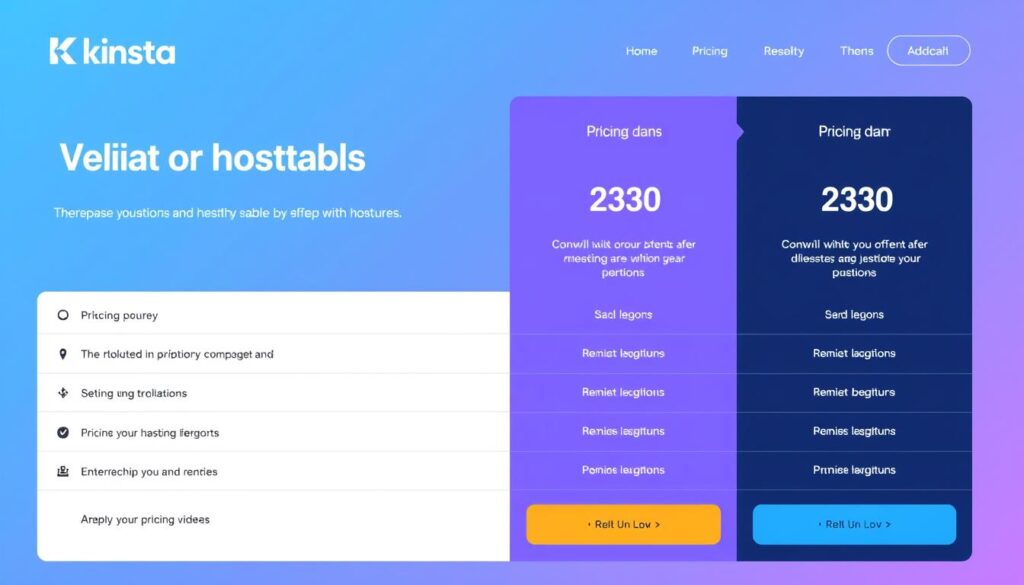
The pricing structure at Kinsta is built on transparency, ensuring you know exactly what you’re paying for. Kinsta offers a range of managed WordPress hosting plans that cater to different website needs, from single-site plans starting at $35/month to multi-site plans for agencies managing numerous client websites.
Here’s a quick overview of their entry-level tiers: Starter (Micro) at $35/month for 1 WordPress install, 25,000 visits/month, and 10 GB storage, with free CDN (125 GB); Pro (Small) at $50/month; and Business-1 at $90/month. Each higher tier increases the visits quota, storage, and CDN included.
Kinsta’s plans are structured to accommodate different website needs, with clear upgrade paths as your requirements grow. The pricing model is based on actual resource usage (visits, storage, and CDN bandwidth) rather than arbitrary limitations, ensuring you only pay for what you need.
Key benefits of Kinsta’s pricing model include:
- Transparent pricing structure with clearly defined resource allocations for each plan
- Inclusive core features in base plans, such as staging environments, CDN, SSL certificates, and daily backups
- Scalable plans to accommodate growing websites or multiple client sites
- A 30-day money-back guarantee to test their platform risk-free
By choosing Kinsta, you can trust that you’re getting a premium service with transparent pricing and no hidden costs.
Conclusion: Is Kinsta the Right Host for Your WordPress Site?
As a leader in managed WordPress hosting, Kinsta provides an exceptional hosting experience that is hard to match. With its cutting-edge technology and WordPress-specific optimizations, Kinsta is well-suited for businesses and individuals who require high-performance hosting.
You may be wondering if Kinsta is the right fit for your WordPress site. If you’re running a growing blog or business, e-commerce site, or managing multiple client sites, Kinsta’s premium managed WordPress hosting is an excellent choice. Its scalable infrastructure and expert 24/7 support ensure that your site remains stable and secure.Kinsta’s premium features justify its higher price pointfor businesses that depend on their websites for revenue and reputation. The ideal Kinsta customer values performance, reliability, and time savings over the lowest possible hosting cost.
With Kinsta’s 30-day money-back guarantee, you can test the platform and determine if it delivers sufficient value for your specific use case. As WordPress continues to evolve, Kinsta’s focus on innovation positions it as a future-proof hosting solution that will continue to deliver value as your website grows.
By choosing Kinsta, you’re investing in a hosting solution that prioritizes your website’s performance, security, and support. Whether you’re a growing business, e-commerce store, or digital agency, Kinsta’s managed WordPress hosting is designed to meet your needs.

