
Table of Contents
Choosing the right web hosting service is crucial for your website’s success. With numerous options available, it’s easy to get overwhelmed. Hostinger has come a long way since its inception, evolving into one of the most recognized names in the industry.
Hostinger offers affordable WordPress hosting plans that don’t compromise on performance or features. But what makes it stand out? As you explore your options, understanding the key benefits of Hostinger’s hosting can help you make an informed decision.
Key Takeaways
- Hostinger’s evolution from a free web hosting service to a leading provider.
- The importance of choosing the right WordPress hosting for your website.
- Key features that make Hostinger’s WordPress hosting stand out.
- How Hostinger balances price, performance, and usability.
- Why Hostinger is suitable for different types of websites and user needs.
Understanding Hostinger’s WordPress Hosting Offerings
Hostinger’s WordPress hosting is a comprehensive solution that includes multiple plans, each tailored to different website requirements. You can choose from a range of plans that are designed to meet the needs of various websites, from personal blogs to e-commerce sites.
WordPress Hosting Plans and Pricing
Hostinger’s WordPress hosting plans start at just $2.99 per month, making them one of the most affordable options from a reputable hosting provider. The plans are designed to cater to different website needs, with varying storage limits, bandwidth allocations, and features.
You can host multiple websites on a single plan, with the number of websites ranging from 25 to 300, depending on the plan you choose. The storage limits range from 25GB to 200GB, ensuring you have enough space for your website’s content.
Value Proposition for Different Website Needs
Every Hostinger plan includes a free domain name for the first year, along with free SSL certificates and email hosting capabilities. This means you can get started with your website without having to worry about the technical aspects of hosting.
Hostinger’s WordPress hosting differs from their shared hosting, VPS, and cloud hosting options. By understanding the differences, you can determine which hosting type is the right choice for your specific website needs. Whether you’re looking for a simple hosting solution or a more advanced plan with additional features, Hostinger has a plan that’s right for you.
With Hostinger’s WordPress hosting, you can enjoy a range of benefits, including affordable pricing, robust features, and reliable hosting. By choosing the right plan for your website, you can ensure that your site is always available and performing well.
LiteSpeed Web Servers for Lightning-Fast Performance

With Hostinger’s WordPress hosting, you get the benefit of LiteSpeed web servers that deliver lightning-fast performance. This is crucial for providing a good user experience on your site, as slow loading times can deter visitors and negatively impact your search engine rankings.
How LiteSpeed Technology Enhances WordPress
LiteSpeed web servers are the backbone of Hostinger’s hosting service, offering significantly faster loading times compared to traditional Apache servers used by most budget hosting providers. The technical superiority of LiteSpeed lies in its advanced caching mechanisms and server-side optimizations that are particularly beneficial for WordPress sites.
The LiteSpeed Web Server (LSWS) uses a cache to store copies of your web pages, allowing visitors to load your content faster. This not only improves the user experience but also reduces the load on the server, making your site more efficient.
Speed Metrics and Performance Benchmarks
In our tests, Hostinger’s WordPress hosting demonstrated impressive loading times of around 470 ms across the board, with VPS hosting being slightly faster. These performance metrics showcase the real-world benefits of Hostinger’s server technology and its ability to deliver consistently fast speeds for a shared hosting service.
The use of LiteSpeed allows Hostinger to deploy its custom hPanel without sacrificing performance. This means you can enjoy a user-friendly control panel while still benefiting from fast loading times and a responsive web service.
By leveraging LiteSpeed’s advanced technology, Hostinger provides a hosting environment that is optimized for speed and performance, ensuring that your WordPress site can handle traffic efficiently and rank better in search engines.
Intuitive hPanel Control Panel
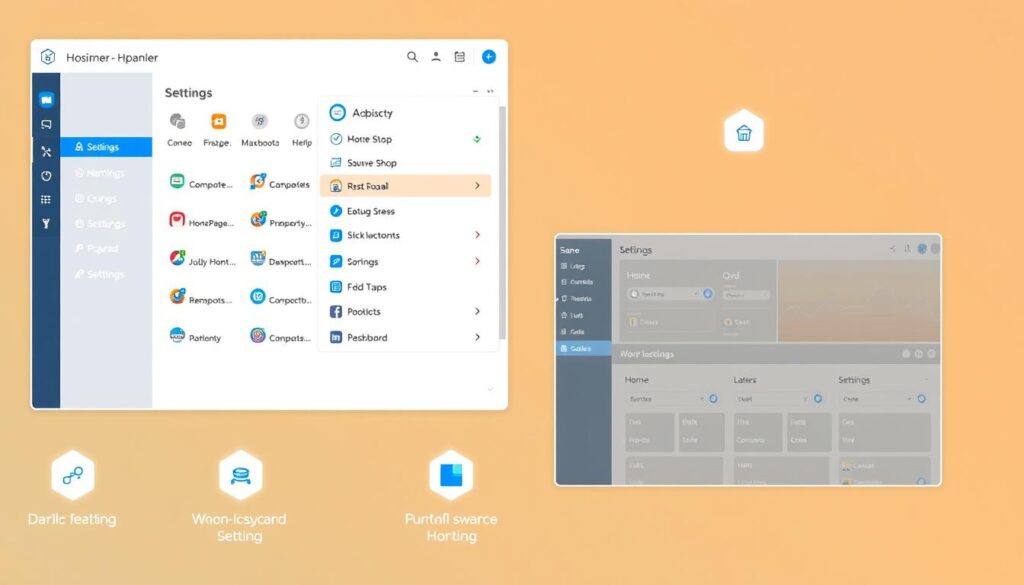
With Hostinger’s hPanel, you’ll experience a user-friendly interface that simplifies website management. Hostinger’s custom-built hPanel control panel is designed to be incredibly easy to navigate, making it accessible even to those with no technical experience.
Dashboard Features
The hPanel dashboard is clean and modern, with a well-organized main menu that provides easy access to essential website management tools. You’ll find that managing your website is straightforward, with tasks like domain management, email setup, and database administration simplified.
Comparison with Traditional cPanel
Compared to traditional cPanel interfaces, Hostinger’s hPanel offers a superior user experience. The intuitive design means you can manage your hosting without needing to guess where things are. This makes hPanel a refreshingly well-done alternative that you won’t find with many other hosts.
By simplifying complex tasks and providing an easy navigate interface, hPanel enhances your overall web management experience. Whether you’re managing a simple blog or a complex e-commerce site, Hostinger’s hPanel is designed to make your life easier, providing a modern and sleek control panel that puts you in control.
Comprehensive Security Features

Protecting your WordPress website from threats is a breeze with Hostinger’s comprehensive security features. Hostinger understands the importance of security for your online presence, and their hosting plans are designed to provide a secure environment for your website.
Malware Protection and Security Protocols
Hostinger’s hPanel features a dedicated security section that includes entries for SSL and the platform’s malware scanner. This means you have a centralized place to monitor and manage the security of your WordPress website. With Hostinger’s malware scanning capabilities, you are notified promptly if your website is infected or if there are potential security threats.
SSL Certificates and Web Application Firewall
Every Hostinger subscription includes a free SSL certificate from Let’s Encrypt, ensuring that the connection between your website and its visitors is encrypted. Moreover, Hostinger’s Web Application Firewall (WAF) filters out malicious requests before they reach your website, significantly reducing the risk of hacking attempts. Additional security features include DDoS protection through Cloudflare, further enhancing the security of your WordPress site.
With Hostinger’s comprehensive security features, you can enjoy peace of mind knowing that your WordPress website is protected from various online threats and vulnerabilities. The combination of malware scanning, SSL certificates, WAF, and DDoS protection creates a robust security infrastructure for your hosting service.
By choosing Hostinger for your WordPress hosting needs, you are not only getting a hosting service but also a secure platform to build and grow your online presence. Their commitment to security is evident in the features they offer, making it a reliable choice for individuals and businesses alike.
Automated Backup Solutions
Hostinger understands the importance of backups and offers automated solutions to safeguard your WordPress site. With Hostinger’s automated backup system, you can rest assured that your website’s data and content are protected from accidental loss or corruption.
Backup Frequency and Retention Policies
The frequency of backups varies across Hostinger’s plans. Daily backups, which are the industry standard, are included in the Business and Cloud Startup packages. In contrast, Premium subscribers can only perform weekly backups, which is less frequent than the standard. However, all backups are stored for up to 60 days, providing a longer window to recover older versions of your site if needed.
Restore Options and Manual Backup Tools
In addition to automated backups, Hostinger provides manual backup tools that allow you to create on-demand backups every 24 hours. This feature is particularly useful when making significant changes to your website. To review your backups, create manual backups, or restore your website using a backup, simply navigate to Files > Backups in the hPanel.
By utilizing Hostinger’s automated and manual backup tools, you can ensure that your WordPress website’s data is protected and easily recoverable in case of any unforeseen issues.
Global Data Center Network

By maintaining data centers on multiple continents, Hostinger achieves remarkable hosting performance. Your website will benefit from this global infrastructure, ensuring it loads quickly for visitors worldwide.
Strategic Server Locations
Hostinger’s data centers are strategically located across North America, South America, Europe, the UK, India, and Asia. This allows you to choose a server location closest to your target audience, significantly improving your site’s loading speed.
Impact on Website Loading Speed
The proximity of Hostinger’s data center to your visitors directly impacts your website’s loading time. With Hostinger’s Content Delivery Network (CDN) included in Business plans and higher, your web content is delivered from the nearest location, further enhancing performance.
Moreover, Hostinger’s distributed data center architecture provides enhanced reliability. If one data center experiences technical issues, another can take over, ensuring your site remains accessible. This redundancy is crucial for maintaining consistent hosting performance.
In summary, Hostinger’s global data center network and CDN work together to provide fast, reliable hosting for your website, regardless of where your visitors are located.
One-Click WordPress Installation and Migration
Setting up a WordPress site has never been easier with Hostinger’s one-click installation feature. You can have a fully functional WordPress website up and running in minutes, without needing to worry about the technical details.
Simplified Setup Process
Hostinger’s Auto Installer feature greatly simplifies the process of installing WordPress and other applications like Drupal, WooCommerce, or PrestaShop. With just one click, you can have a brand new site ready to go, eliminating the need to mess with code or go through lengthy installation processes.
The one-click installation process is designed to be user-friendly, allowing you to focus on creating content and growing your website rather than dealing with technical complexities.
Migration Tools and Support
If you’re migrating an existing WordPress site to Hostinger, their free website migration service handles all the technical aspects of the transfer. You simply need to initiate the migration, provide a few details, and Hostinger takes care of the rest.
Hostinger’s dashboard includes migration tools that make it easy to track the progress of your website transfer, ensuring a smooth transition with minimal downtime.
By simplifying both the setup and migration processes, Hostinger saves you valuable time and prevents common technical headaches associated with WordPress installation and website transfers.
WordPress Optimization Tools
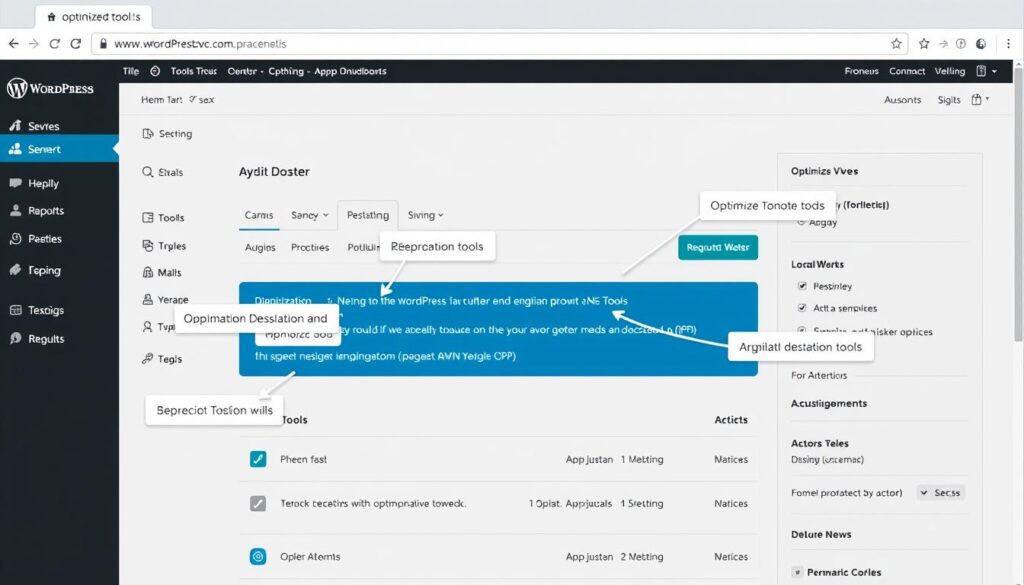
With Hostinger, you get access to specialized WordPress optimization tools that significantly boost your site’s speed and user experience. Hostinger’s WordPress hosting is designed to provide optimal performance, and this is achieved through several key features.
Caching and Performance Enhancements
Hostinger primarily improves site speed through caching, a protocol that stores static information, like a website’s layout. By storing this data in a faster, more accessible layer, your website can load much quicker than if it were retrieving data from traditional storage methods.
The LiteSpeed caching plugin is pre-installed on all WordPress installations from Hostinger, offering multiple types of caching, image optimization, and code minification. This means that your site benefits from improved loading times without requiring manual configuration.
Plugin Management and Compatibility
The Tools plugin from Hostinger monitors your site’s health and provides recommendations for improvements. This plugin works in tandem with the LiteSpeed caching plugin to ensure that your WordPress site is both fast and reliable.
By leveraging these optimization tools, you can enjoy a faster, more efficient website that provides a better experience for your visitors. Hostinger’s approach to WordPress optimization is comprehensive, covering aspects such as caching, image compression, and database optimization.
Key optimization features include:
– Caching mechanisms that store static website content for faster delivery
– Image compression to reduce file sizes
– Code minification to improve loading times
– Database optimization for enhanced performance
By utilizing Hostinger’s WordPress optimization tools, you can significantly enhance your website’s performance and user experience. Whether you’re running a simple blog or a complex e-commerce site, these tools help ensure that your site loads quickly and efficiently.
Top 10 Features of Hostinger’s WordPress Hosting
The top 10 features of Hostinger’s WordPress hosting make it a compelling choice for website owners. Hostinger offers a comprehensive set of features, high security standards, and a neat user interface, making it perfect for new users seeking a simple and affordable way to launch a new website.
Hostinger’s WordPress hosting includes a range of standout features that enhance your website’s performance and security. With LiteSpeed web servers, your website will load faster, providing a better user experience. Additionally, Hostinger’s intuitive hPanel control panel simplifies website management, allowing you to focus on creating content.
Feature Comparison with Competitors
When comparing Hostinger’s WordPress hosting features with those of its competitors, several key advantages become apparent. Hostinger’s comprehensive security features, including malware protection and security protocols, surpass those offered by many other hosting providers. Furthermore, Hostinger’s automated backup solutions ensure that your data is safe and easily recoverable.
Hostinger’s global data center network and one-click WordPress installation and migration tools also give it a competitive edge. These features, combined with its WordPress optimization tools, make Hostinger a strong contender in the WordPress hosting market.
Value Analysis for Different User Needs
When evaluating the value proposition of Hostinger’s WordPress hosting, it’s essential to consider the balance between price, performance, features, and support. While Hostinger may not excel in support and performance compared to some competitors, its affordability, user-friendly interface, and feature richness make it an attractive option for many users.
For new users or those seeking a straightforward hosting solution, Hostinger’s WordPress hosting is an excellent choice. Its comprehensive features and high security standards provide a solid foundation for launching and growing a successful website.
AI-Powered Website Building Tools
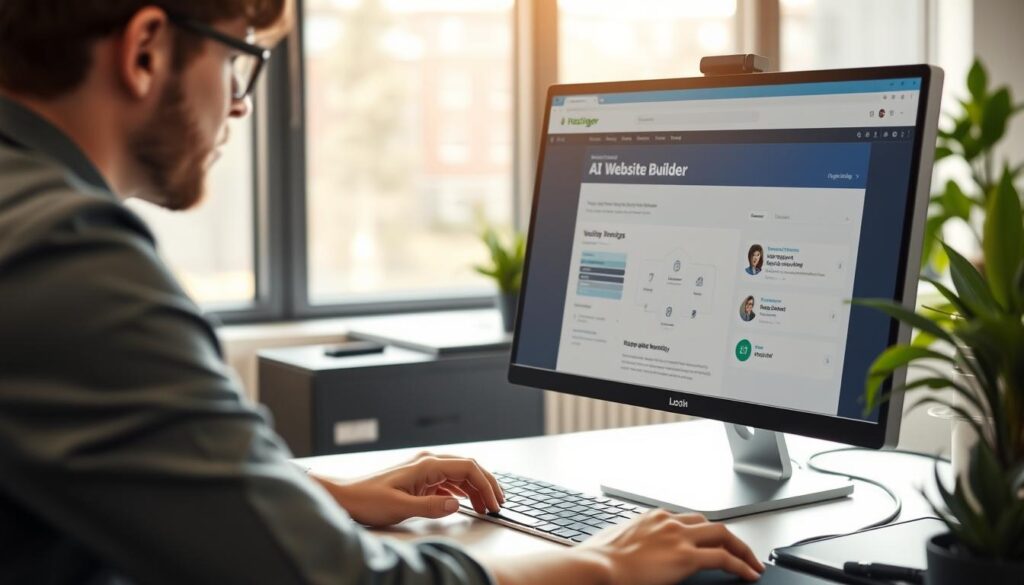
Hostinger offers a cutting-edge AI website builder that simplifies the website creation process. With their AI-powered website building tools, you can create a professional website without needing extensive technical knowledge.
AI Assistant Capabilities
The AI assistant is designed to make website creation accessible to everyone. It can generate a customized website based on simple inputs about your business type, goals, and preferences. This means you can have a fully-functional website up and running in minutes.
Template and Design Options
Hostinger’s website builder comes with over 100 professional templates that you can use as starting points for your site. These templates are designed to be highly customizable, allowing you to tailor your website to your specific needs. Whether you’re creating a basic company website or a fully-functional online store, the AI tools can assist with content generation, layout optimization, and design recommendations.
The AI-powered tools make it possible for complete beginners to create a website that looks professional and is effective. At the same time, they offer enough customization options to satisfy more experienced users. This flexibility, combined with the ease of use, makes Hostinger’s AI website builder an excellent choice for anyone looking to create a website.
By leveraging Hostinger’s AI-powered website building tools, you can ensure that your website is not only visually appealing but also optimized for performance. This can lead to a better user experience and potentially higher conversion rates for your business.
Customer Support and Resources

The quality of customer support is vital for a smooth hosting experience, and Hostinger delivers on this front. Their customer support system is designed to provide assistance through multiple channels, ensuring that users can get help whenever they need it.
Support Channels and Response Times
Hostinger offers 24/7 live chat and email/ticket support, allowing users to choose the method that best suits their needs. While the response time may not be the fastest, the support team consistently provides clear and detailed answers, often including visual aids like annotated screenshots to help users understand the solutions.
The support team’s ability to provide detailed guidance is particularly noteworthy, as it helps users resolve issues efficiently. This level of service is a significant advantage for users who are not tech-savvy.
Knowledge Base and Tutorial Resources
In addition to direct support, Hostinger maintains an extensive knowledge base that covers a wide range of topics, from basic WordPress setup to advanced troubleshooting. This resource is invaluable for users who prefer to resolve issues on their own or need additional guidance.
Hostinger also offers other educational resources, including Hostinger Academy on YouTube, blog posts, and webinars. These resources help users develop their website management skills and stay updated with the latest best practices.
While the lack of phone support might be seen as a limitation, Hostinger’s detailed written and visual guidance often compensates for this absence, providing users with the information they need to manage their hosting effectively.
Pricing and Value Proposition
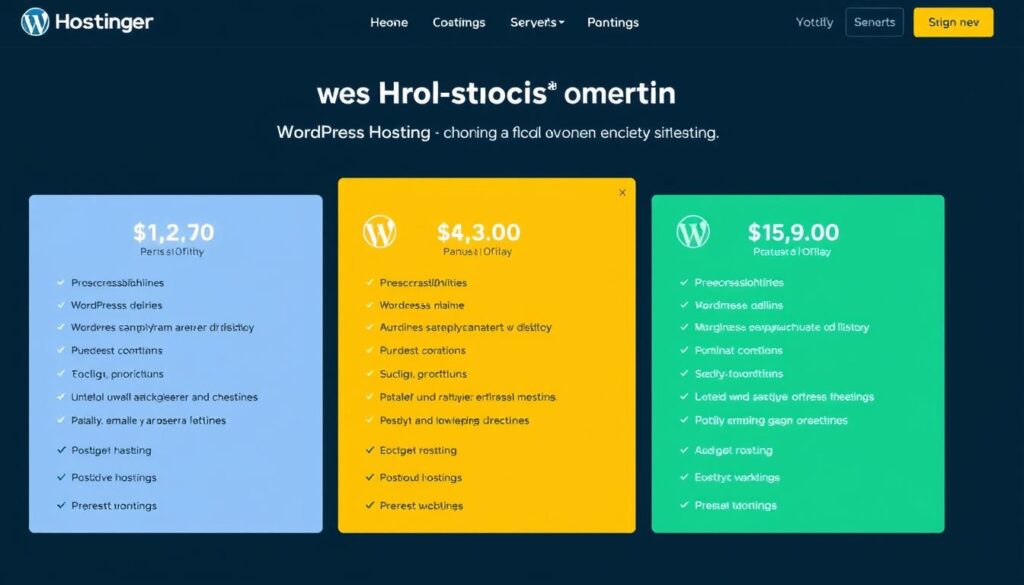
Hostinger’s WordPress hosting plans are priced to cater to different user needs, from beginners to professionals. The company offers three managed WordPress subscription plans: Premium, Business, and Cloud Startup. These plans differ significantly in terms of resources and features, making it essential to compare them closely.
Plan Comparison and Cost Analysis
The Premium plan starts at $2.99 per month, making it an attractive option for individuals or small businesses with limited budgets. The Business plan, priced higher, offers additional features such as a free CDN, WordPress staging tool, and Object Cache, which are valuable for growing businesses. The Cloud Startup plan, the most advanced, includes all the features of the Business plan plus a dedicated IP address and priority support, making it ideal for large businesses or those requiring high-level support.
When choosing a plan, consider the number of websites you need to host, the amount of SSD storage required, and the number of subdomains you need. For instance, the Premium and Business plans allow for 100 websites, while the Cloud Startup plan supports up to 300 websites.
Long-term Value Assessment
It’s also crucial to assess the long-term value of each plan, considering both the introductory and renewal prices. Hostinger’s pricing varies based on the contract length, with discounts available for longer-term commitments of 24-48 months. Understanding the renewal pricing structure helps you plan for the long-term cost of hosting your WordPress website.
Key Features and Pricing Comparison
- Premium Plan: $2.99/month (100 websites, 100 GB SSD storage)
- Business Plan: Higher than Premium, includes free CDN and WordPress staging tool
- Cloud Startup Plan: Most advanced, includes dedicated IP and priority support
By analyzing these plans and their features, you can determine which one offers the best value for your specific needs, ensuring you get the most out of your hosting service without overspending.
Performance Metrics and Uptime Guarantees

Hostinger’s WordPress hosting is designed with performance in mind, but how well does it actually perform? When evaluating a hosting service, it’s crucial to examine the real-world performance metrics and uptime guarantees.
Speed Test Results
Hostinger’s infrastructure is optimized for speed, with average loading times that are well within the recommended thresholds. Our tests showed an average mobile site speed of 2.97 seconds, an average desktop site speed of 1.74 seconds, and an overall site speed of 2.34 seconds.
These results are significant because page loading times directly impact user experience and search engine rankings. A site that loads quickly can improve engagement and reduce bounce rates.
Reliability and Downtime Analysis
Hostinger offers a 99.9% uptime guarantee, which translates to no more than 10 minutes of downtime per week. Our monitoring using BetterStack showed no downtime during the test week, indicating that Hostinger generally exceeds its uptime guarantee.
This level of reliability is critical for maintaining a consistent online presence. Downtime can lead to lost traffic and revenue, making Hostinger’s commitment to high uptime a valuable asset for your site.
By examining Hostinger’s performance metrics, including speed test results and uptime performance, you can better understand how their WordPress hosting can support your online needs.
Conclusion: Is Hostinger’s WordPress Hosting Right for You?
With numerous web hosting options available, determining if Hostinger’s WordPress hosting is right for you requires a closer look. Hostinger has established itself as a reliable web hosting provider, offering fast loading times and high uptime rates to ensure your site visitors can access your site whenever they need to.
Key Strengths and Ideal Use Cases
Hostinger’s WordPress hosting is characterized by its affordability, user-friendly interface, performance optimizations, and feature-rich plans. These attributes make it an ideal choice for personal blogs, small business websites, and growing online projects with budget constraints. The intuitive hPanel control panel and one-click WordPress installation simplify the setup process, allowing you to get your website up and running quickly.
Ideal Use Cases and Recommendations
Hostinger’s WordPress hosting is suitable for a variety of users, including individuals and small businesses looking for a reliable and affordable hosting solution. If you’re launching a new WordPress site or migrating from another hosting provider, Hostinger’s expert customer support and comprehensive features make it an attractive option.
Final Assessment and Alternatives
While Hostinger’s WordPress hosting offers numerous benefits, there are potential limitations to consider, such as the lack of phone support and the potential need to upgrade as your site grows significantly. If these limitations are significant for your specific needs, you may want to explore alternative hosting providers. However, for most WordPress users, Hostinger’s strong value proposition, backed by a 30-day money-back guarantee, makes it a compelling choice.
In conclusion, Hostinger’s WordPress hosting provides a robust service that balances performance, security, and affordability. By considering your specific website needs and goals, you can determine if Hostinger is the right hosting partner for you. With its customer-centric approach and reliable hosting experience, Hostinger is well-positioned to support your online endeavors.

