

Table of Contents
Are you tired of slow-loading websites and frustrated with the limitations of your current WordPress hosting provider? You’re not alone. In today’s digital landscape, a fast and secure website is crucial for businesses and individuals alike.
Kinsta, a premium managed WordPress hosting provider, has been gaining attention for its exceptional speed and security features. But is it worth the investment? This article will examine Kinsta’s hosting plans and evaluate their performance to help you make an informed decision.
Key Takeaways
- Evaluation of Kinsta’s WordPress hosting plans and their performance capabilities
- Analysis of Kinsta’s infrastructure and its impact on website speed and security
- Comparison of Kinsta’s features and user experience
- Assessment of the value proposition of Kinsta’s premium hosting plans
- Insights into the technical architecture behind Kinsta’s hosting platform
Understanding Kinsta’s WordPress Hosting Platform

As a leading provider of managed WordPress hosting, Kinsta offers a robust platform built for speed and reliability. Kinsta’s infrastructure is built on Google Cloud Platform’s Premium Tier network, ensuring better routing and reduced latency.
The Evolution of Kinsta Since 2013
Kinsta was founded in 2013 and has since grown to serve over 120,000 businesses globally. Its commitment to high-performance hosting solutions has established it as a leader in the WordPress hosting industry.
Google Cloud Platform Infrastructure
Kinsta’s decision to build its infrastructure on Google Cloud Platform differentiates it from traditional hosting providers. This cloud-based infrastructure allows Kinsta to offer superior reliability and scalability for WordPress sites of all sizes.
Some key benefits of Kinsta’s infrastructure include:
- Utilization of Google’s premium tier network infrastructure for better routing and reduced latency.
- Continual upgrades to newer-generation C2 and C3 VMs for enhanced performance under load.
- Superior reliability and scalability for WordPress sites, from small blogs to enterprise-level applications.
By leveraging Google Cloud Platform, Kinsta provides a high-performance hosting environment that is both secure and scalable.
Kinsta’s High-Performance Architecture

Kinsta’s high-performance architecture is the backbone of its WordPress hosting service, ensuring fast and reliable website performance. By leveraging cutting-edge technology and a robust infrastructure, Kinsta delivers top-notch hosting solutions.
LEMP Stack and Container Technology
Kinsta’s architecture is built on a modern LEMP stack (Linux, Nginx, MariaDB, PHP), optimized for WordPress performance and speed. Each WordPress site runs in an isolated container with dedicated resources, ensuring that performance issues on one site don’t affect others on the same server.
Global Data Center Locations
With 37+ data center locations worldwide, you can host your WordPress site closer to your target audience, reducing latency and improving loading times. This global presence is a significant advantage for websites catering to a diverse audience.
Built-in Caching and CDN Integration
Kinsta’s built-in caching system automatically handles full-page caching at the server level, eliminating the need for third-party caching plugins. Additionally, the integration with Cloudflare’s CDN network (with 260+ points of presence) further enhances site speed by serving static content from the nearest location, significantly reducing Time to First Byte (TTFB).
By combining a modern LEMP stack, global data center locations, and advanced caching and CDN integration, Kinsta’s high-performance architecture provides a powerful hosting solution for WordPress sites. Whether you’re managing a personal blog or a high-traffic business website, Kinsta’s infrastructure is designed to deliver fast, reliable, and scalable hosting.
Exploring Kinsta WordPress Hosting Plans
Kinsta offers a variety of WordPress hosting plans tailored to different business needs. Whether you’re managing a single site or multiple sites, Kinsta has a plan that suits your requirements.
Single-Site Plans
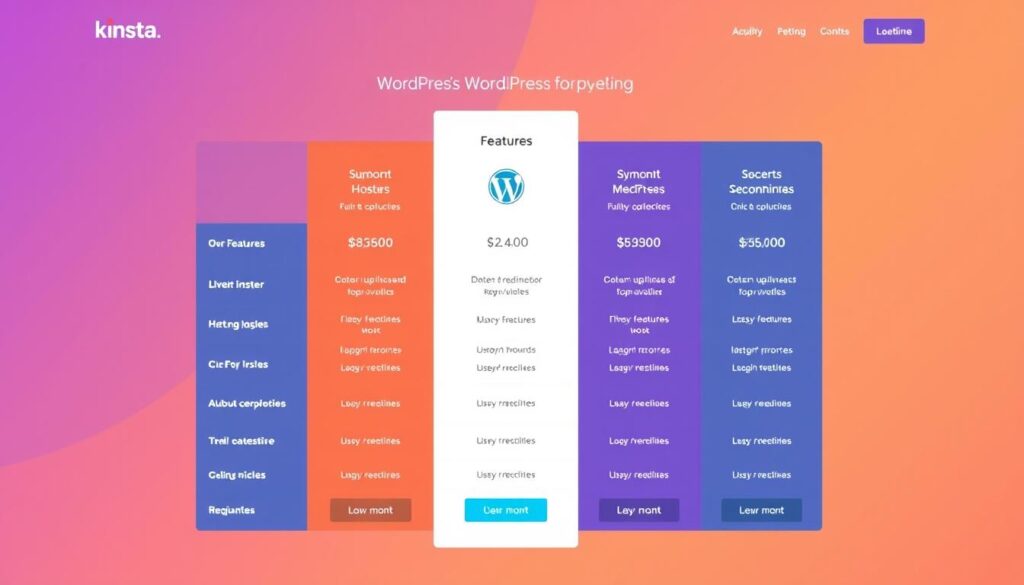
Kinsta’s single-site plans start at $35 per month after the first month, which is free. These plans include essential features like one WordPress installation, 35,000 monthly visits allowance, 10GB storage, 125GB CDN usage, and free migration services. This plan is ideal for small businesses or individuals with a single website.
Multiple-Site Plans
For users managing multiple WordPress sites, Kinsta provides multiple-site plans starting at $70 per month after the first free month. These plans include two WordPress installations, 70,000 monthly visits, 20GB storage, and 250GB CDN. This plan is suitable for businesses or agencies handling multiple websites.
Agency Program Benefits
The Agency Program, starting at $340 per month, offers exclusive benefits tailored to agencies. These benefits include up to $10,000 in hosting credits, free hosting for the agency’s own site, listing in Kinsta’s Agency Directory, and unbranded WordPress admin experiences for clients. This program is designed to support agencies in managing their clients’ websites efficiently.
Key Features of High Performance Kinsta WordPress Hosting Plans
The key to Kinsta’s high-performance WordPress hosting lies in its robust features, designed to provide a seamless user experience. Kinsta offers a variety of tools and services that make managing your WordPress site efficient and stress-free.
Automatic Updates and Backups
Kinsta provides automatic updates for WordPress core, plugins, and themes through its Kinsta Automatic Updates feature, available as an add-on. This ensures your site remains secure and up-to-date without requiring manual intervention. Additionally, daily automatic backups are included with all plans, with backups retained for up to 30 days. You can restore your site to any backup point with just one click.
Staging Environments and One-Click Cloning
Kinsta’s hosting plans include staging and cloning tools by default, allowing you to create staging environments for testing changes before pushing them live. Spinning up a staging environment takes mere seconds, enabling risk-free website development and updates.
Free Migrations and SSL Certificates
Kinsta offers free site migrations handled by their expert migration team, making the transition from your current host seamless and stress-free, regardless of the plan you choose. Moreover, Kinsta includes SSL certificates to ensure your site’s security.
Application Performance Monitoring (APM) Tool
The built-in Application Performance Monitoring (APM) tool provides detailed insights into your site’s performance, helping you identify and resolve bottlenecks without needing third-party monitoring services. This tool is particularly useful for optimizing your site’s performance and ensuring a smooth user experience.
- Kinsta offers automatic updates for WordPress core, plugins, and themes to keep your site secure.
- Daily backups are included, with the ability to restore your site with one click.
- Easily create staging environments for testing changes before going live.
- Free site migrations are handled by Kinsta’s expert team.
- The APM tool provides insights into your site’s performance, helping you resolve bottlenecks.
Security Measures in Kinsta’s Hosting Environment

Kinsta’s hosting environment is fortified with robust security measures to safeguard your website and data. Their infrastructure is built with a certified cloud architecture that complies with ISO 27001, 27017, and 27018 standards, aligning with some of the strictest global standards for data security.
DDoS Protection and Firewall Configuration
Kinsta’s hosting environment features built-in DDoS protection through Cloudflare integration. This adds an extra layer of protection at no extra cost, filtering malicious traffic before it reaches your server and preventing security breaches. You can also manage your own firewall rules directly through the MyKinsta dashboard.
Malware Scanning and Removal
Kinsta performs regular malware scanning and offers free malware removal if your site becomes infected. This provides peace of mind knowing that security issues will be addressed promptly. Their team is dedicated to ensuring your site remains secure and malware-free.
ISO Certification and Compliance Standards
Kinsta’s commitment to security is further underscored by its adherence to ISO certification and compliance standards. Their zero-trust security framework ensures that each WordPress site is isolated in its own container, preventing security vulnerabilities from spreading between sites on the same server.
Key security features include:
- Enterprise-grade security measures with ISO 27001, 27017, and 27018 compliance.
- Built-in DDoS protection through Cloudflare integration.
- Regular malware scanning and free malware removal.
- A zero-trust security framework isolating each WordPress site.
- Customizable firewall rules through the MyKinsta dashboard.
The MyKinsta Dashboard Experience
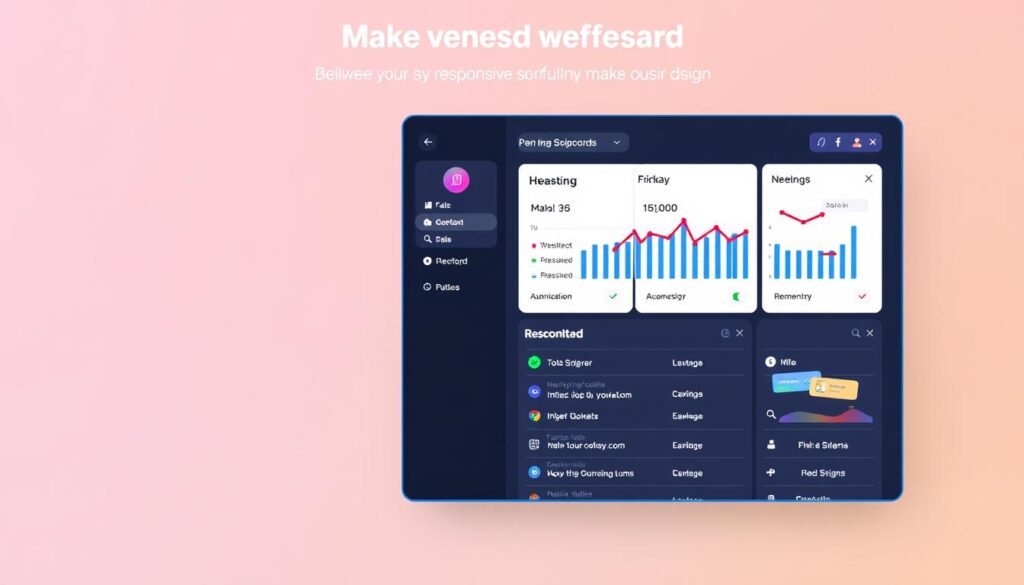
Kinsta’s MyKinsta dashboard is designed with the user in mind, providing a clean and responsive interface for managing your WordPress sites. This custom dashboard replaces traditional cPanel, offering a streamlined experience that’s specifically tailored for WordPress site management.
User Interface and Navigation
The MyKinsta dashboard boasts a modern, intuitive user interface that makes navigating between multiple sites a breeze. You can easily access detailed analytics about your website’s performance and manage all aspects of your hosting environment from a single, centralized dashboard.
Site Management and Analytics Tools
The dashboard includes comprehensive site management tools that allow you to create new WordPress installations, configure domains, manage SSL certificates, and set up redirects without technical complexity. Kinsta’s analytics tools provide valuable insights into your site’s traffic patterns, resource usage, and performance metrics, helping you make informed decisions about optimization.
With MyKinsta, users can enjoy a simplified experience in managing their WordPress sites, making complex tasks simple, such as creating staging environments, managing backups, and deploying changes to your live site with just a few clicks. This results in a more efficient site management process, enhancing your overall web presence.
Kinsta’s Customer Support Quality

When it comes to WordPress hosting, Kinsta stands out for its exceptional customer support. The company understands that reliable support is crucial for a smooth user experience.
24/7 Expert Support Availability
Kinsta offers 24/7/365 live chat support on every plan, ensuring that assistance is always available. The support team consists of WordPress experts who can address both hosting-related and WordPress-specific issues. This expertise is crucial for resolving complex problems efficiently.
The support staff are multilingual, accommodating users from around the world in over 10 languages. Kinsta’s proactive monitoring system allows the team to identify and address potential issues before they impact your site, often alerting you to problems before you notice them.
Knowledge Base and Documentation Resources
Kinsta maintains an extensive knowledge base that includes detailed documentation, step-by-step tutorials, and troubleshooting guides. These resources empower users to resolve common issues independently, reducing reliance on support tickets.
Users consistently report positive experiences with Kinsta’s support team, citing fast response times (typically under 2 minutes) and high first-contact resolution rates as key factors in their satisfaction with the service.
Performance Analysis: Speed and Reliability

When it comes to WordPress hosting, Kinsta stands out for its exceptional performance and reliability. The platform’s architecture is designed to deliver fast and efficient hosting services.
Load Time and TTFB Metrics
Kinsta’s performance architecture consistently delivers impressive load time metrics. Most WordPress sites hosted on Kinsta load in under 2 seconds, even under moderate traffic conditions. The platform’s Time To First Byte (TTFB) measurements are significantly lower than industry averages, typically ranging from 100-300ms due to the optimized server configuration and Google Cloud infrastructure.
Uptime Guarantees and Monitoring
Kinsta offers a 99.9% uptime guarantee backed by a Service Level Agreement (SLA). The platform proactively monitors your site every three minutes (480 checks per day) to ensure reliability. With features like Edge Caching, which can improve page load times by over 50%, and Early Hints, which further boosts load speeds, Kinsta ensures that your website remains fast and accessible.
By leveraging optimization techniques such as HTTP/3 support, Brotli compression, and database query caching, Kinsta maintains website speed even during traffic spikes or when running resource-intensive applications.
Comparing Kinsta with Other WordPress Hosting Providers
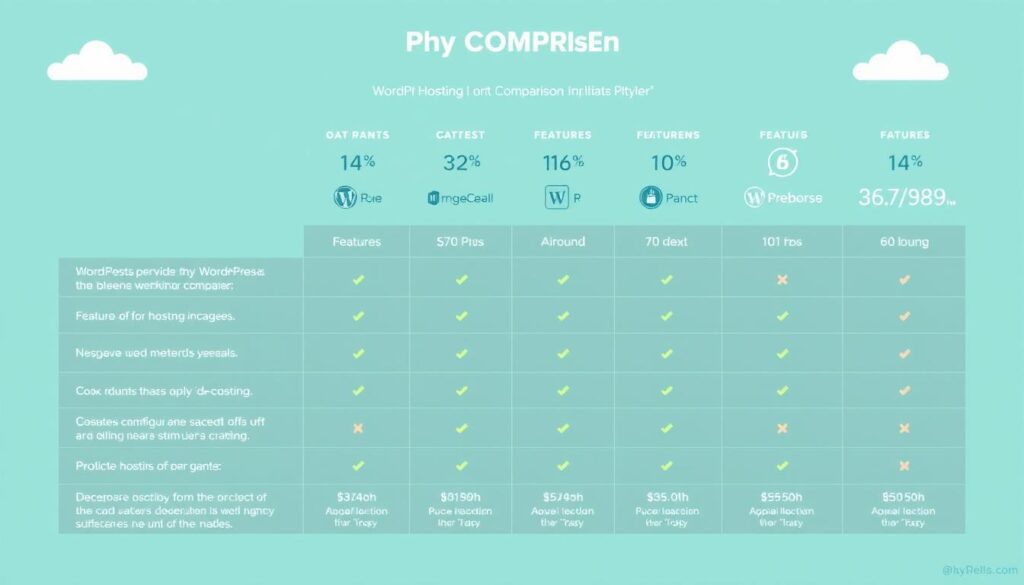
In the realm of WordPress hosting, Kinsta stands out among its competitors. This section compares Kinsta with other prominent WordPress hosting providers, including WP Engine, SiteGround, and Cloudways.
Kinsta vs. WP Engine
When comparing Kinsta with WP Engine, both offer premium managed WordPress hosting. However, Kinsta typically provides better performance metrics due to its Google Cloud infrastructure. WP Engine starts at a higher price point ($50/month) compared to Kinsta’s $35/month.
Kinsta vs. SiteGround
SiteGround offers more budget-friendly WordPress hosting options compared to Kinsta. However, it lacks the same level of performance optimization and dedicated resources that Kinsta provides for high-traffic sites.
Kinsta vs. Cloudways
Cloudways provides more flexibility with multiple cloud provider options, including Google Cloud, AWS, and DigitalOcean. However, it requires more technical knowledge compared to Kinsta’s fully-managed approach, which handles all server-level optimizations automatically.
Kinsta distinguishes itself from competitors through its container-based isolation technology, ensuring dedicated resources for each WordPress site. While all these providers offer features like staging environments and backups, Kinsta’s implementation is often more seamless, simplifying complex WordPress site management tasks.
Ideal Use Cases for Kinsta WordPress Hosting

Whether you’re running an e-commerce site or a high-traffic business website, Kinsta’s WordPress hosting is tailored to meet your needs. Kinsta’s infrastructure is designed to scale with your site’s growth, ensuring high performance and reliability.
E-commerce and WooCommerce Sites
Kinsta offers an ideal hosting solution for e-commerce and WooCommerce sites that require robust performance, security, and reliability to handle transactions and maintain customer trust during high-traffic sales periods.
High-Traffic Business Websites
High-traffic business websites benefit from Kinsta’s scalable infrastructure, which can handle sudden traffic surges without downtime, ensuring that marketing campaigns and viral content don’t crash your site.
Agency and Developer Environments
Web development agencies and freelance developers appreciate Kinsta’s multi-site management capabilities, staging environments, and Git integration, which streamline the workflow of managing multiple client sites from a single dashboard.
By choosing Kinsta, you get a hosting environment that’s optimized for WordPress, providing a solution that supports your business’s growth and success.
Conclusion: Is Kinsta Worth the Premium Price?
For businesses seeking a reliable and fast WordPress hosting experience, Kinsta is a strong contender. With its powerful Google Cloud foundation, Kinsta delivers blazing speeds and rock-solid reliability.
Kinsta’s high-performance WordPress hosting plans offer exceptional value for businesses prioritizing site speed, reliability, and security. The premium price is justified by the comprehensive feature set, including advanced developer tools and expert WordPress-specific support available 24/7.
While Kinsta may not be the cheapest option, its scalable infrastructure and managed services make it an investment worth considering for growing businesses and high-traffic websites. By choosing Kinsta, you can focus on your business while they handle the technical aspects of WordPress hosting.

